

Ozetel Phone - Business Softphone App for Australia
The business phone app that works everywhere you do

Available now on Mac, Windows, iPhone & Android.
One app for Mac, Windows, iPhone and Android
Sign in on any device and your number, contacts, history and conversations are just there - the same features, the same design, the same synced data everywhere. On iPhone, calls ring through Apple's native call screen with lock-screen answer, so your business line rings like a real phone even when the app is closed.
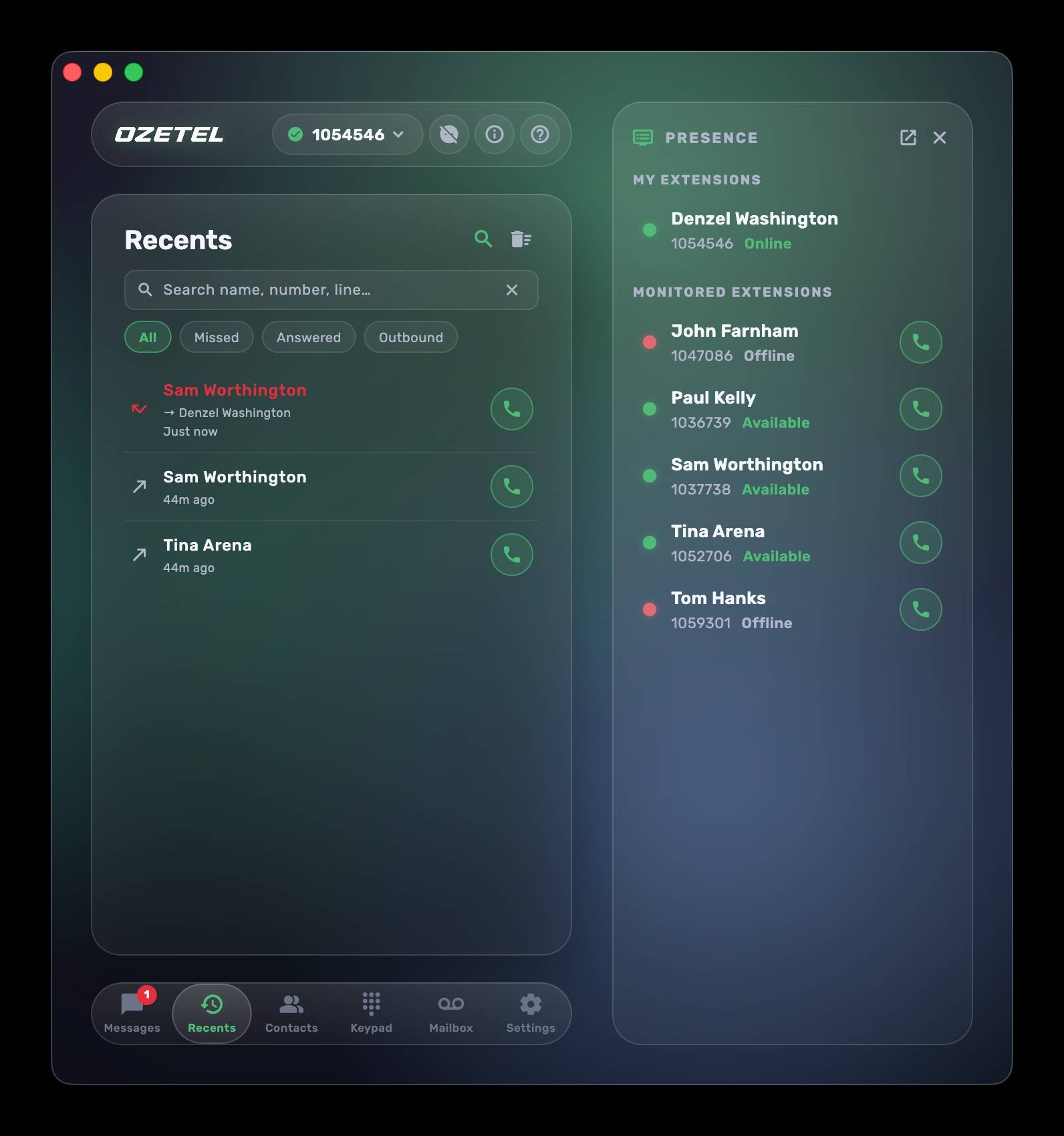
Business SMS and team chat on every device
Real business messaging sits right beside your calls, everywhere you work. Send and receive SMS from your business mobile numbers, and chat directly with colleagues inside the app - on your Mac, Windows PC, iPhone and Android alike. Type texts on a full keyboard at your desk, then pick the same conversation up on your mobile in the car park. Every thread stays in sync across all of your devices. That is one-to-one messaging. When you need to tell a whole list of customers something at once, our bulk SMS service sends the campaign from your business numbers and collects the replies in one conversation view in the customer portal.
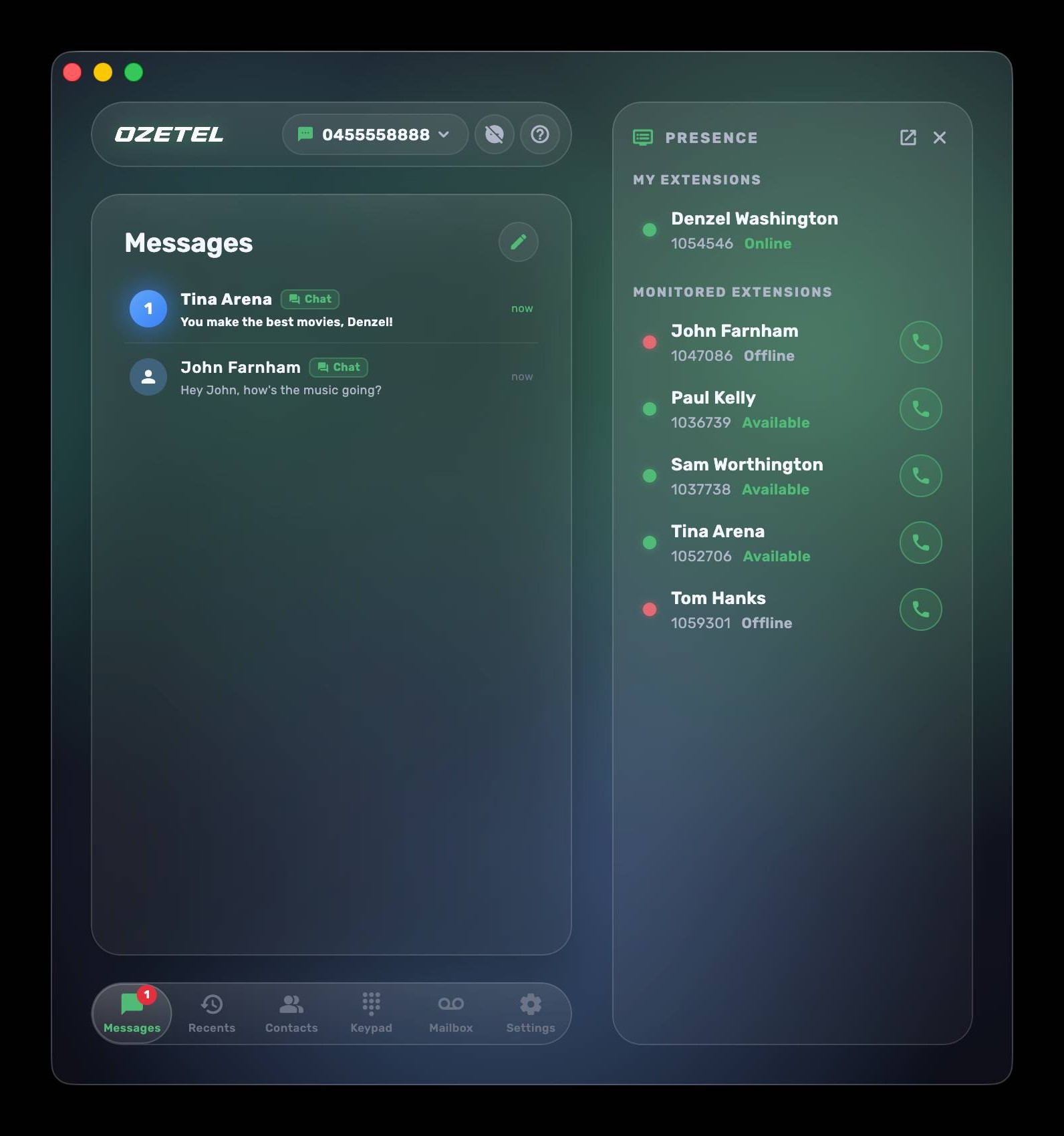
Share one number across your whole team
A mobile number doesn't have to belong to one person. With Ozetel Phone, many users and many devices can send and receive from the same number - your sales team can share one outbound mobile identity, your support desk can watch one inbound number together, and every message thread stays in sync for everyone. No more "that message went to Dave's phone, and Dave's on leave."
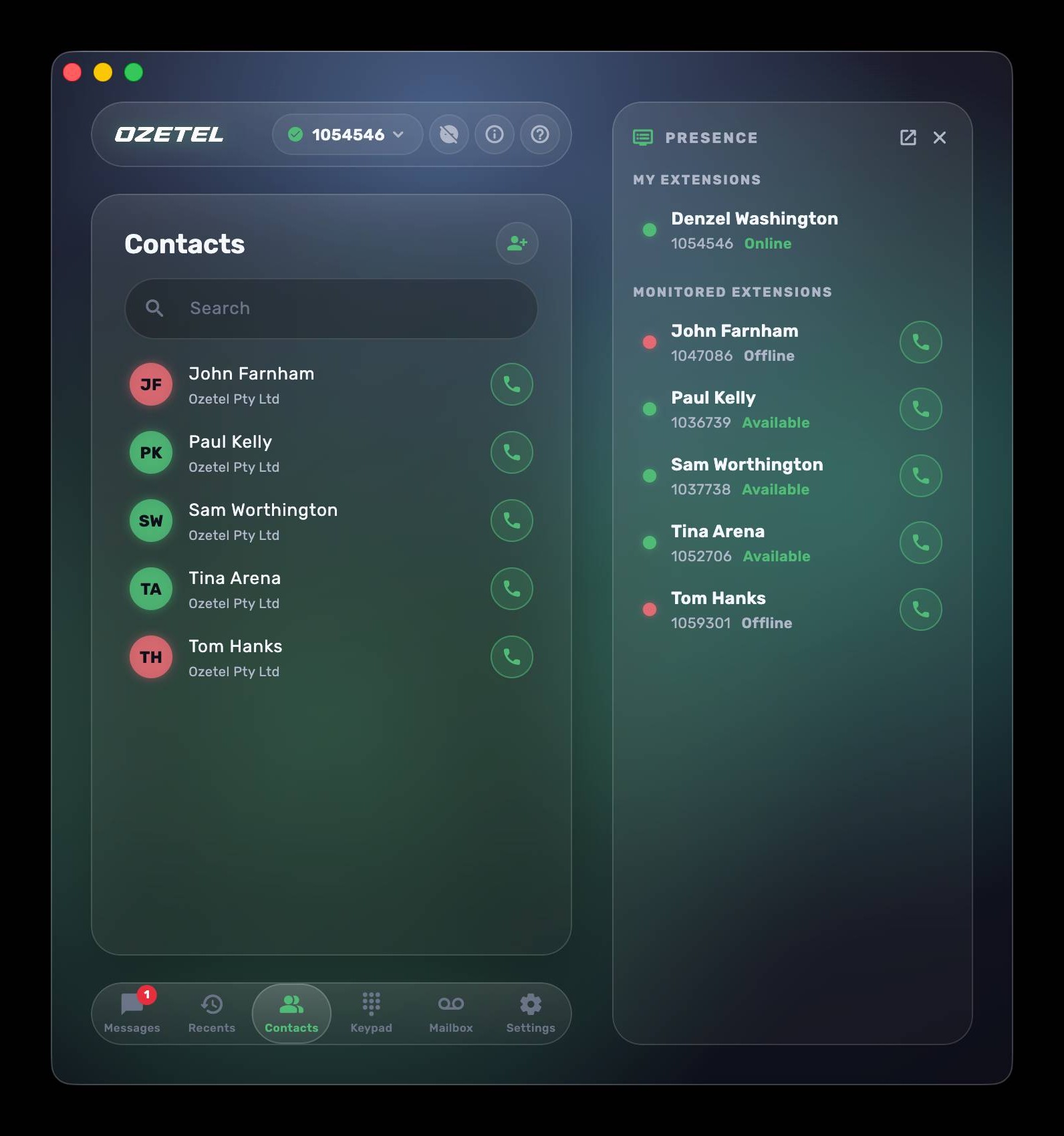
See your whole team at a glance
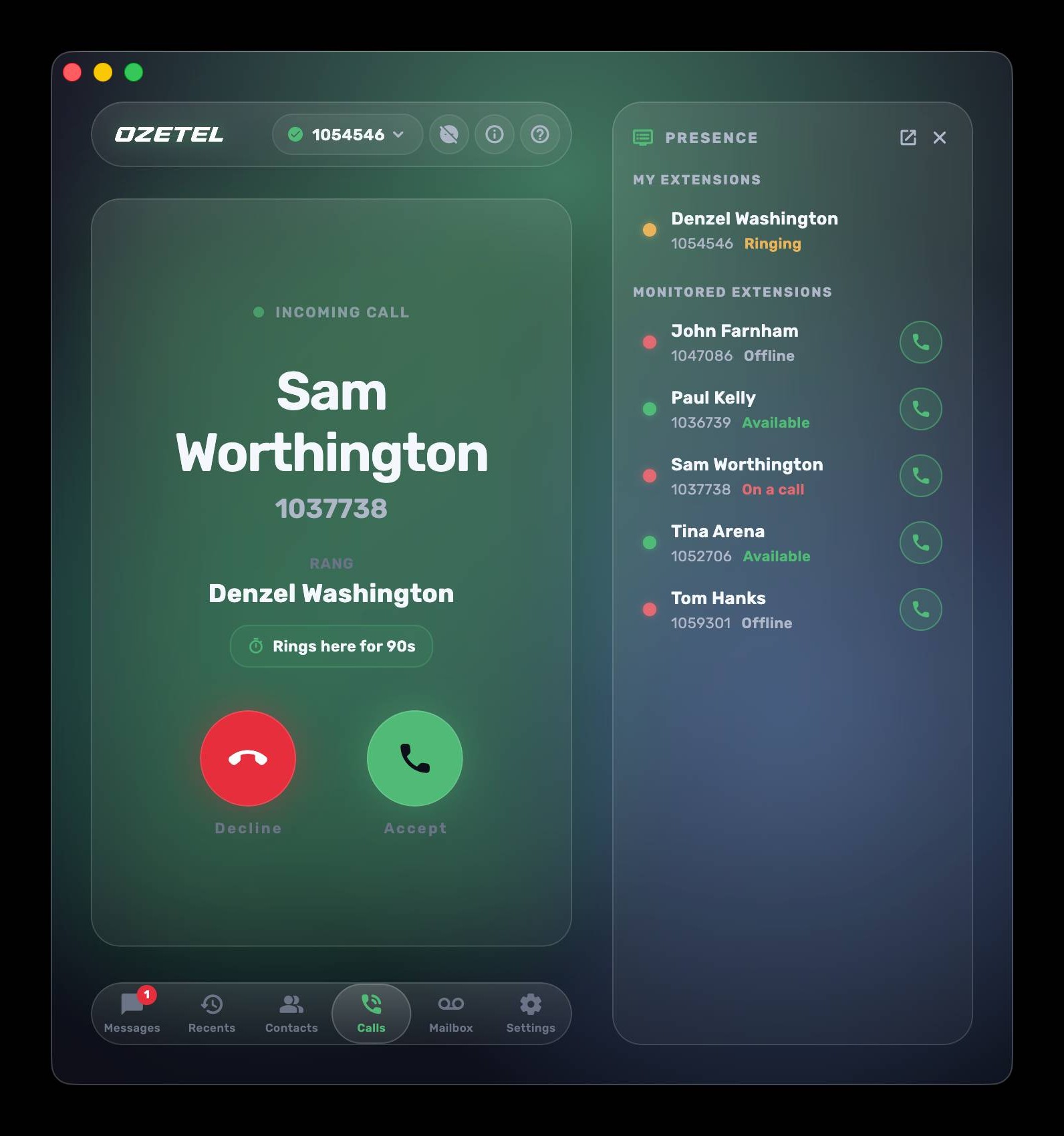
Live colleague status shows who's available, ringing or on a call in real time. A resizable, popout presence board turns any second monitor into a live wall of your team - perfect for reception desks. And when a colleague answers a group call, your device shows "answered elsewhere" instead of a false missed call, on every platform including the iPhone's native call log.
Audio device management that actually works
Softphones are notorious for audio chaos. Ozetel Phone treats audio as a first-class feature:
- Device priority engine - rank your devices once; when your headset is plugged in it wins, and the app falls back gracefully when it's unplugged. No surprise switches mid-call.
- One-tap audio presets - save named combinations ("Headset", "Speakers", "Meeting Room") and switch the whole audio path in a click.
- Ring where you'll hear it - ring on multiple devices at once, independently of where the call audio goes.
- Instant hot-plug handling - connect AirPods, a Bluetooth headset or a USB dock mid-call and the app follows.
- Plus device aliasing, separate ringtone routing, echo-cancellation calibration and noise suppression.
Real-time call quality and network diagnostics
Most softphones go silent the moment quality drops. Ozetel Phone watches itself continuously - jitter, latency, packet loss, codec and bitrate are measured every second of every call, with a rolling 24-hour diagnostic record kept on the device. So the answer to "what happened on that call at 2:14pm?" already exists. When a call misbehaves, the app can even raise a support ticket by itself, with the relevant diagnostics already attached - our engineers start from the actual numbers, not "it sounded bad around lunchtime."
Custom integrations via API and webhooks
Ozetel Phone isn't a rebadged third-party client - we develop every line of it, and we own the network and the management platform too. For business customers that unlocks a level of customisation no off-the-shelf softphone can offer:
- CRM screen-pops triggered on incoming calls and caller ID
- Log every call and SMS to your system with webhooks on call-end and message events
- Different handling per brand or number, keyed to the DID that was dialled
- Auto-create helpdesk tickets from missed calls on chosen numbers
- Click-to-call from your internal tools, and alerts to Slack, Teams or email on the events you choose
Triggers span incoming calls, outgoing calls, specific DIDs, caller IDs, text messages and internal chats - tell us what your team does fifty times a day, and there's a good chance we can automate it.
Zero-touch setup and per-user security
No SIP settings, no port numbers, no PBX jargon. Sign in with your Ozetel account and the phone configures itself, then stays current as your admin makes changes. Everything the app stores locally (history, messages, contacts, settings) is encrypted at rest with AES-256 and isolated per user, so shared computers stay safe and signing out keeps your data private.